
Configure every specialist
- 1
Add the specialist’s customer-facing name and contact details.
- 2
Assign the services they can perform.
- 3
Add working hours and planned breaks.
- 4
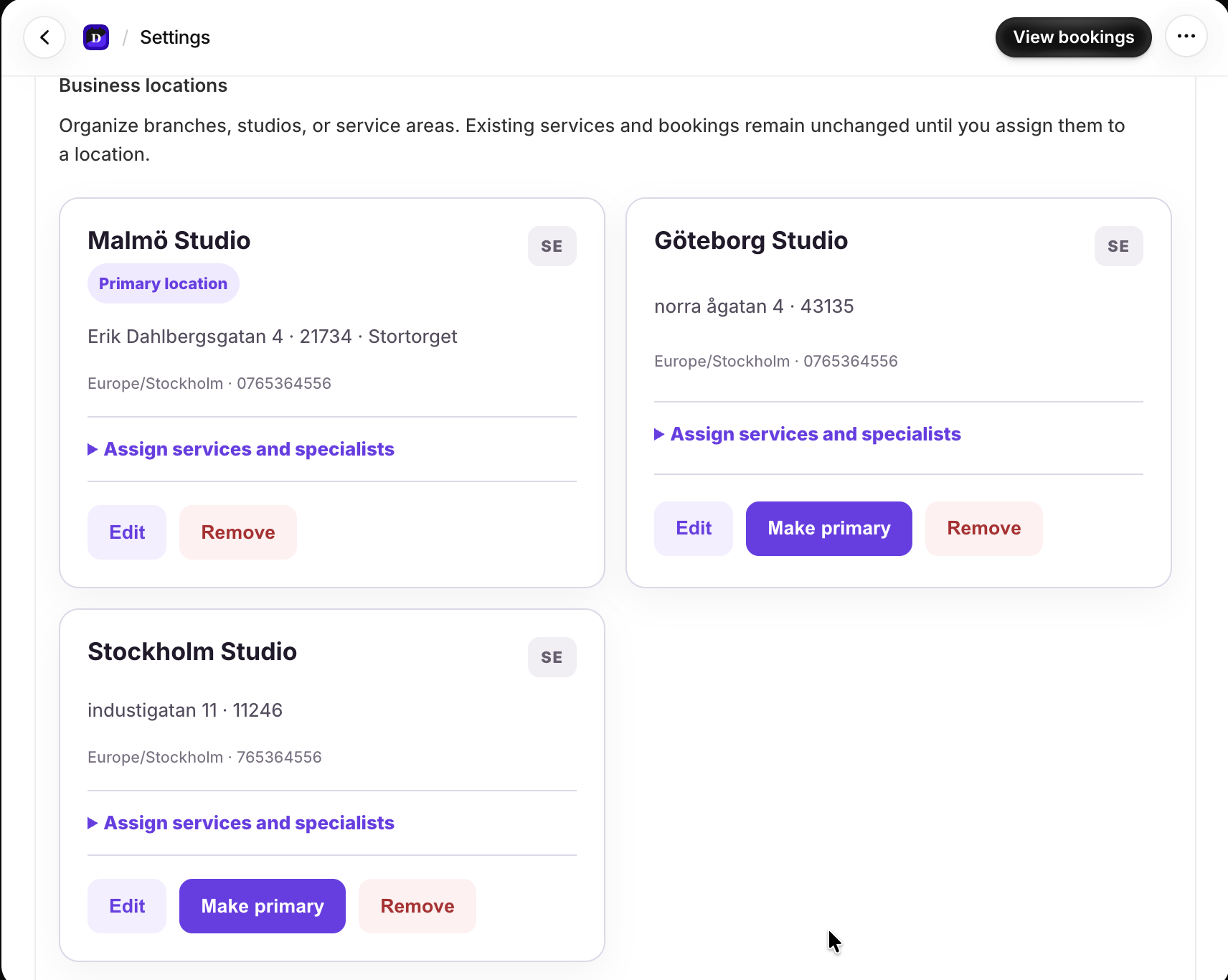
Assign the locations where they work.
- 5
Optionally connect Google Calendar, Outlook, or supported video providers.
Keep locations explicit
Use a distinct location for each physical venue. Online services should use their configured video delivery mode rather than a physical venue. Availability only appears where the specialist, service, and location combination is valid.