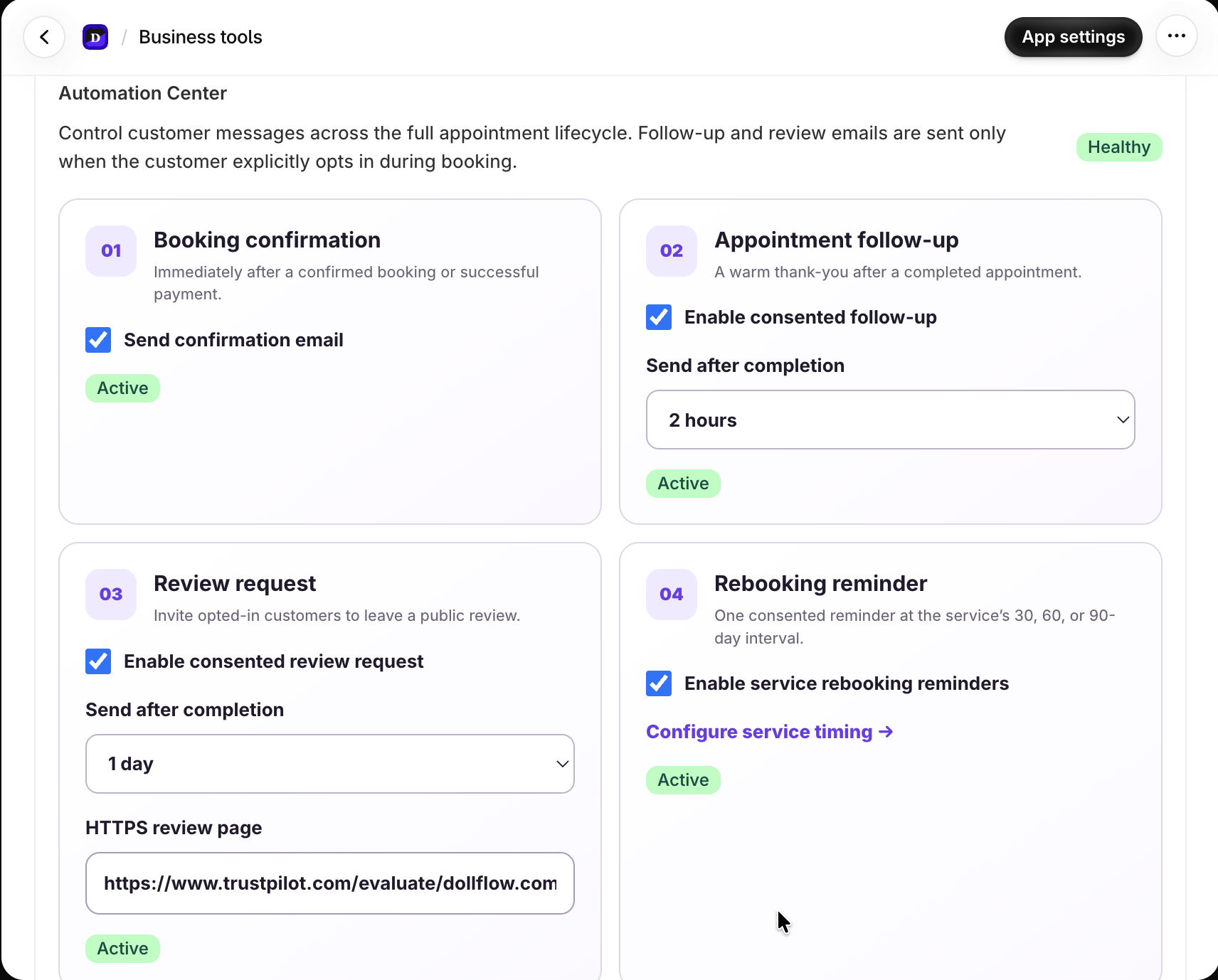
Automate the appointment lifecycle
Business tools can coordinate booking confirmations, reminders, follow-ups, review requests, and rebooking reminders. Consent-dependent messages are only sent when the customer has made the required choice.
- Set timing relative to the appointment lifecycle.
- Preview the customer-facing message and sender identity.
- Check delivery history before retrying a failed notification.
Connect calendars and video providers
Google Calendar and Outlook can block busy time and synchronize Dollflow-created events. Supported Google Meet or Zoom delivery creates or links the meeting for the correct appointment.
Use Klaviyo without double-sending
Connect the merchant’s Klaviyo account, map the intended events and profiles, and decide which lifecycle messages Dollflow sends directly versus which flows Klaviyo sends. Test with one customer profile before launch.