Schedule a repeatable group session
- 1
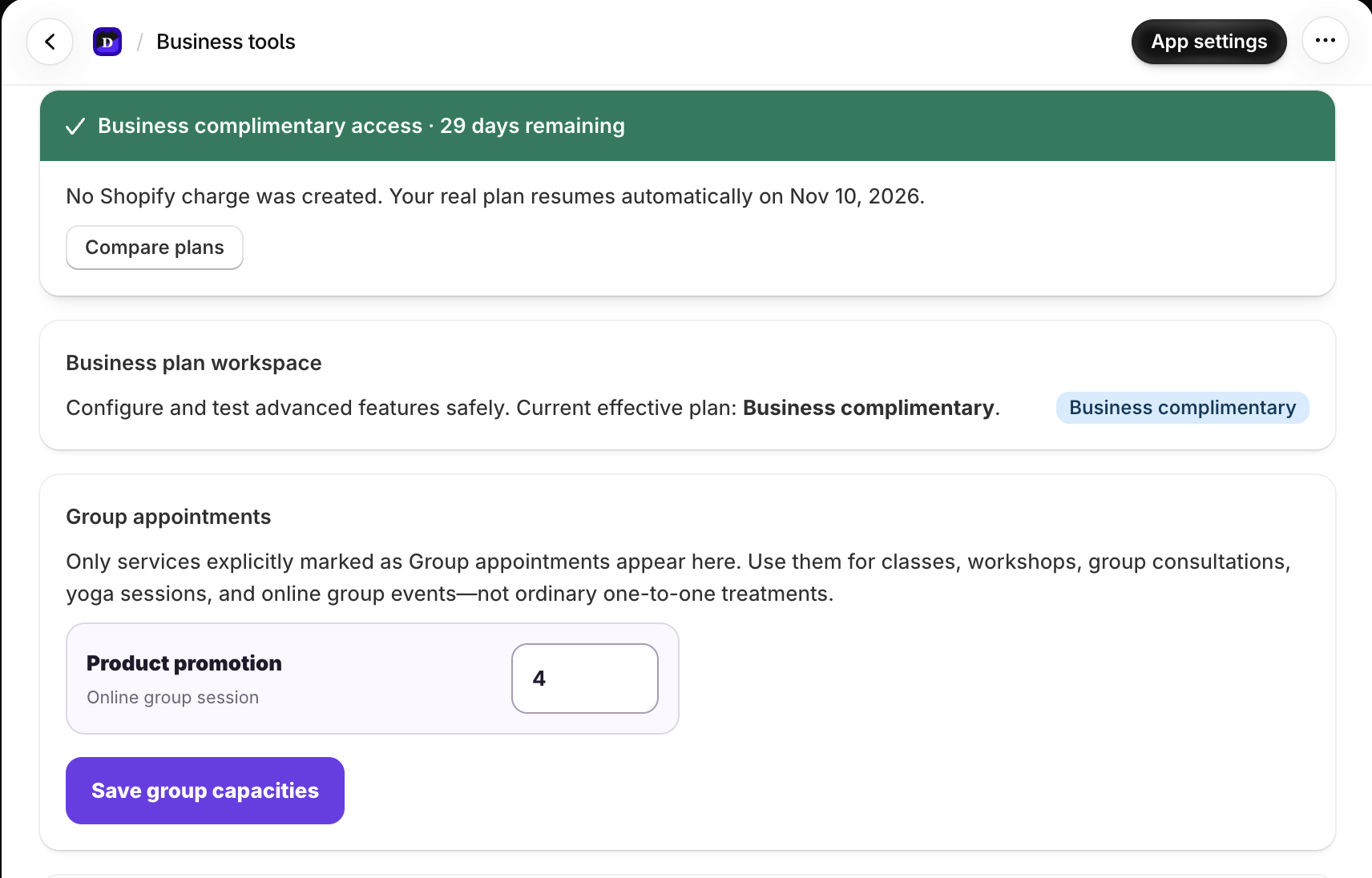
Enable Group appointment on the service.
- 2
Set the maximum participant capacity and quorum target.
- 3
Choose the weekday and fixed session times, such as Wednesday at 09:00 and 14:00.
- 4
Assign the specialist and confirm their working hours cover every session.
- 5
Save and test each session from the storefront.
Live seats and session identity
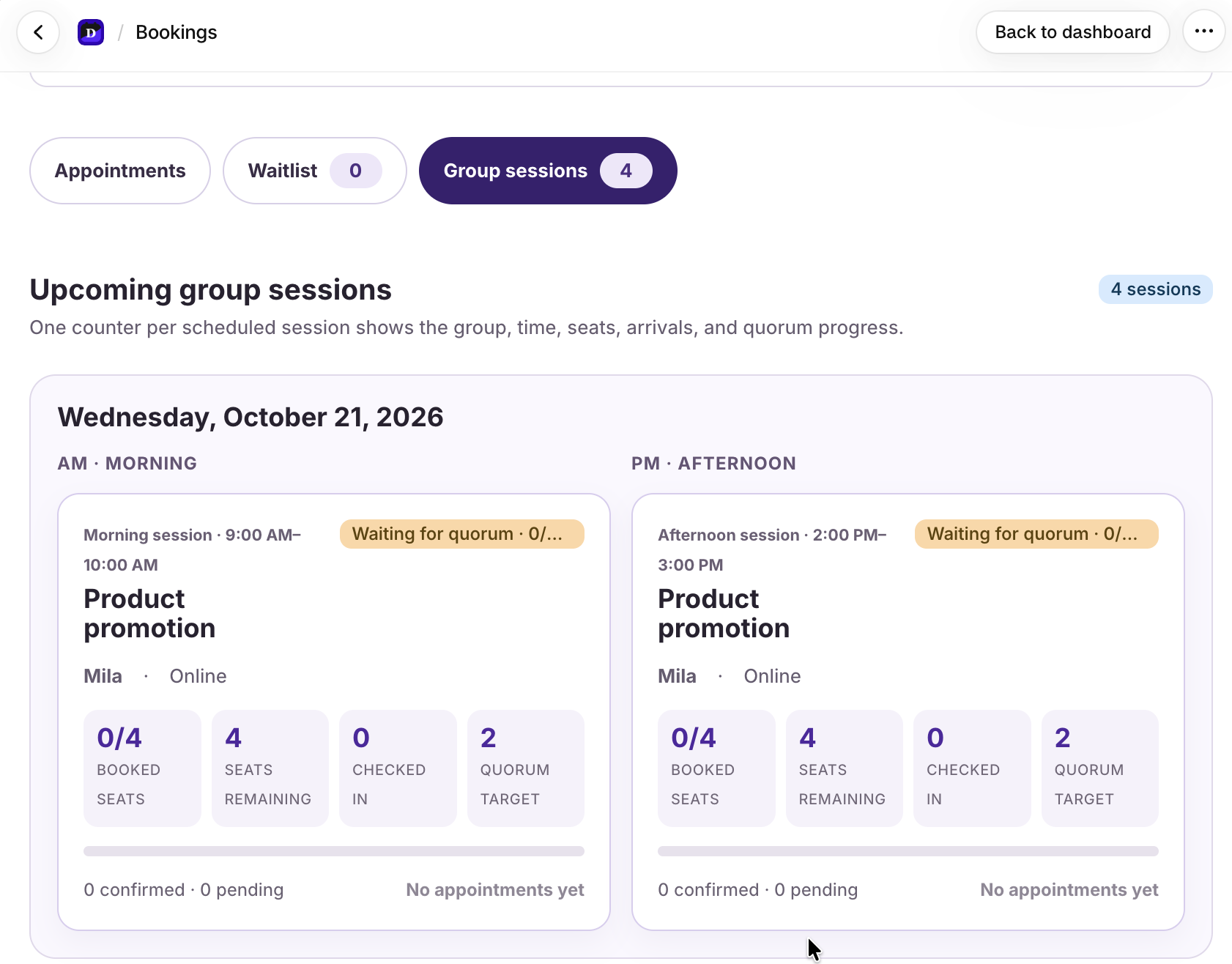
Every storefront time shows how many customers are booked and how many seats remain. The Group sessions view keeps morning and afternoon counters separate by exact service, specialist, date, start time, end time, and location.
Dollflow Arrival Pass
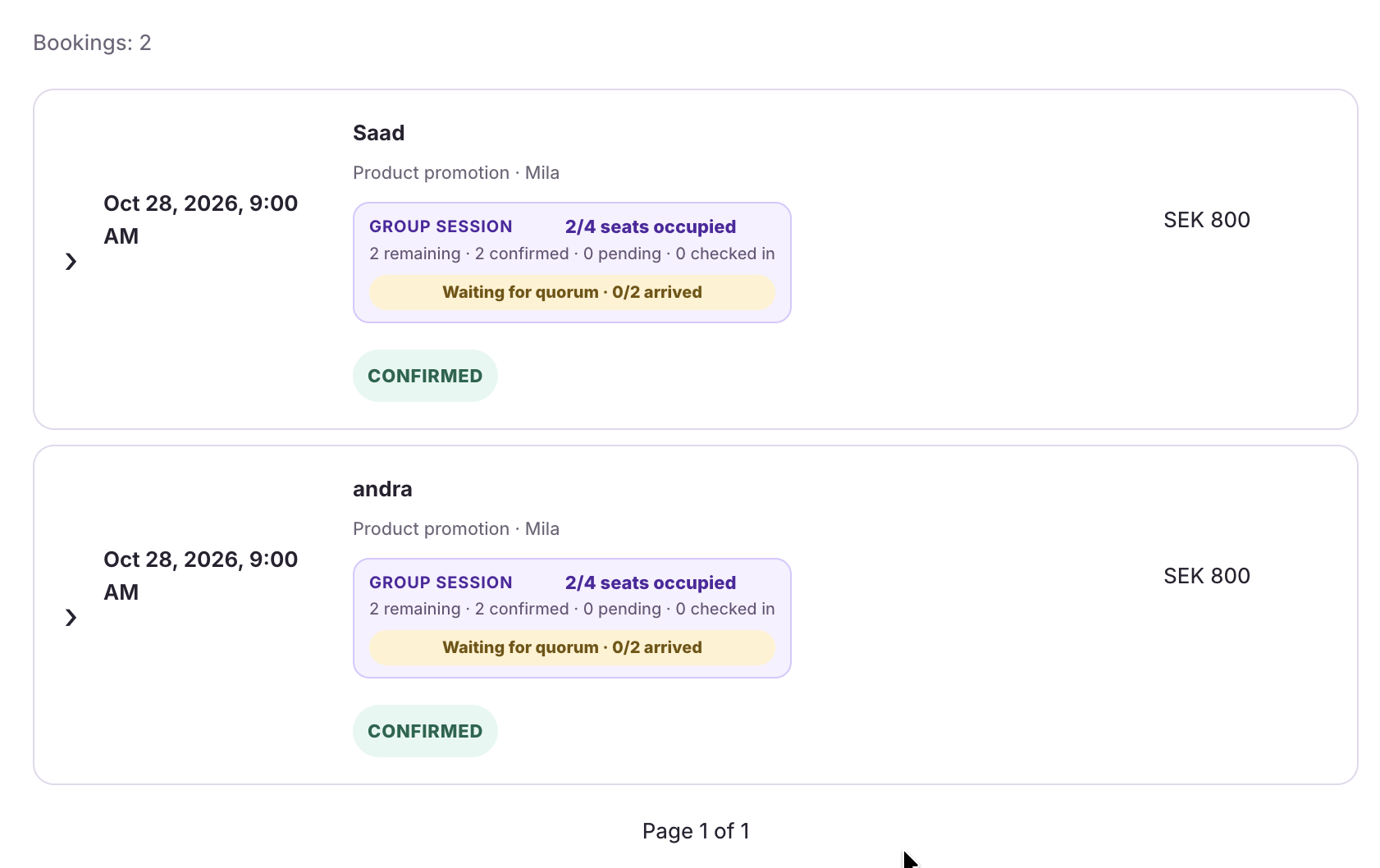
The secure customer page opens check-in before the appointment. Each arrival updates the merchant’s session counter so the team can see checked-in customers and quorum progress without a printed QR code.
- Use Undo check-in if the wrong appointment was marked present.
- The merchant sees 0/2, 1/2, or quorum reached for the configured target.
- No customer names are exposed on the public storefront counter.